Google turned on a HubSpot door inside your Docs sidebar and told your Google admin, not your HubSpot admin. Since Sep 15, the HubSpot Gemini connector has been available in Gemini for Google Workspace through an MCP integration that is on by default for anyone with Gemini access, per Google's Workspace Updates post. The switch lives in the Google Admin console. Each user still signs in to HubSpot, HubSpot permissions still apply, and Google's own help says the integration only reads today. This post covers who controls it, what it reads, where Google's and HubSpot's docs disagree, and the separate Gemini Enterprise connector that lists an action nobody has defined yet. It does not compare Gemini to other AI connectors, and it does not cover custom MCP builds.
Google Flipped It On for You (Sep 15)
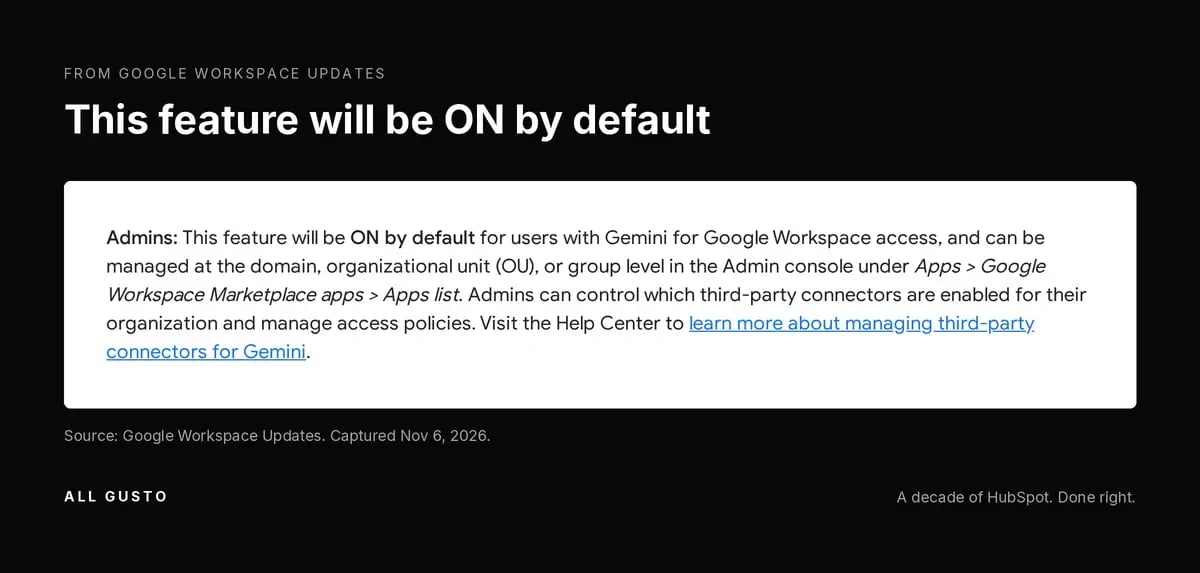
Since Sep 15, 2026, Google has made HubSpot available in Gemini for Google Workspace through an MCP integration that is on by default for users with Gemini access; Workspace admins control it in the Admin console. The Workspace Updates post says it directly: "This feature will be ON by default for users with Gemini for Google Workspace access." Google corrected the admin click path in that post on Sep 30, so if you read it early, read it again.
The seven MCP integrations
HubSpot is one of seven tools in the launch: Asana, Atlassian Rovo, HubSpot, Intuit Mailchimp, Intuit QuickBooks, Monday and Salesforce (Workspace Updates). So if you run Salesforce alongside HubSpot, or you are mid-migration, both may be sitting in the same Gemini panel. If you want the MCP background in general, my custom MCP server post covers it.
Where it appears
It shows up in the Gemini side panel in Docs, Sheets and Slides, and in Google Chat (Workspace Updates). That is a different place from where most HubSpot admins look for AI activity. Nobody opens HubSpot settings to find it, because it was never switched on there.
It's the HubSpot Gemini Connector, Distributed by Google
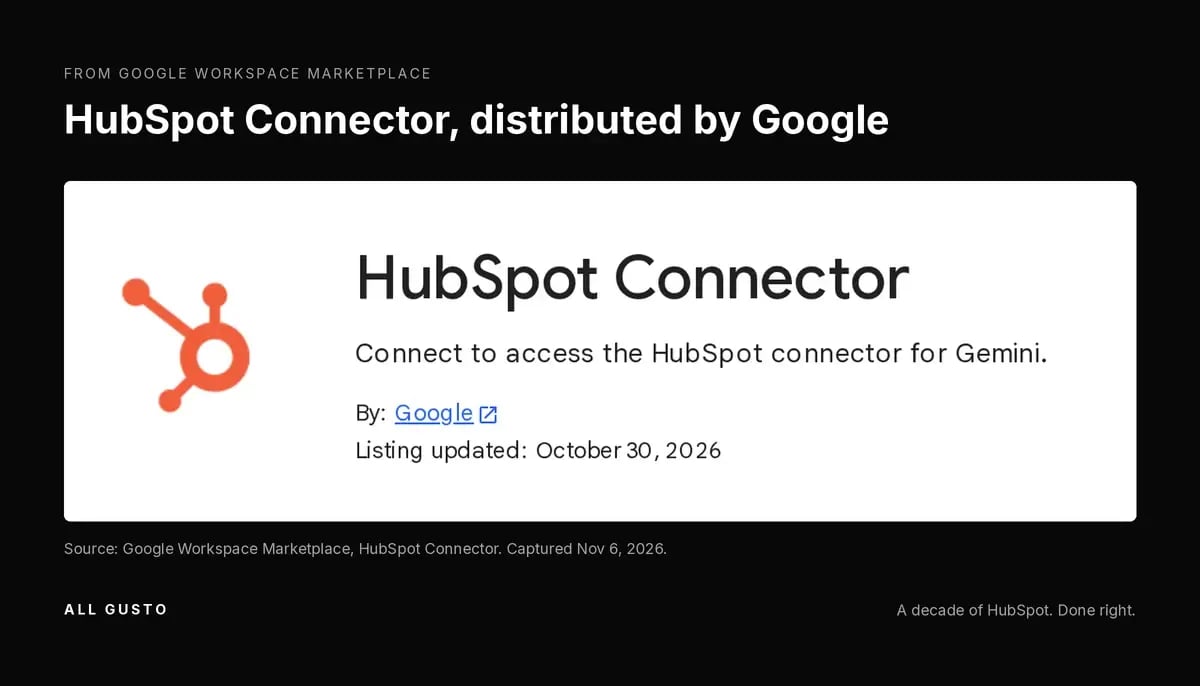
The Google Workspace Marketplace has a "HubSpot Connector" listing, updated Oct 30, 2026, that describes itself as the HubSpot connector for Gemini. Its developer link redirects to HubSpot's Gemini connector KB. That redirect is why I say the Workspace integration appears to be the same app HubSpot documents. Neither company says so in one sentence, but the trail points one way.
What it reads
The HubSpot KB lists contacts, companies, deals, associations and default properties. The Marketplace listing says "contacts, companies, deals or tickets." Tickets are in Google's listing and not in HubSpot's KB, as of Nov 2. I cannot tell you which one is right without testing it. If your service team keeps sensitive context on tickets, assume tickets might be in scope until one of the two pages changes.
HubSpot user permissions still apply
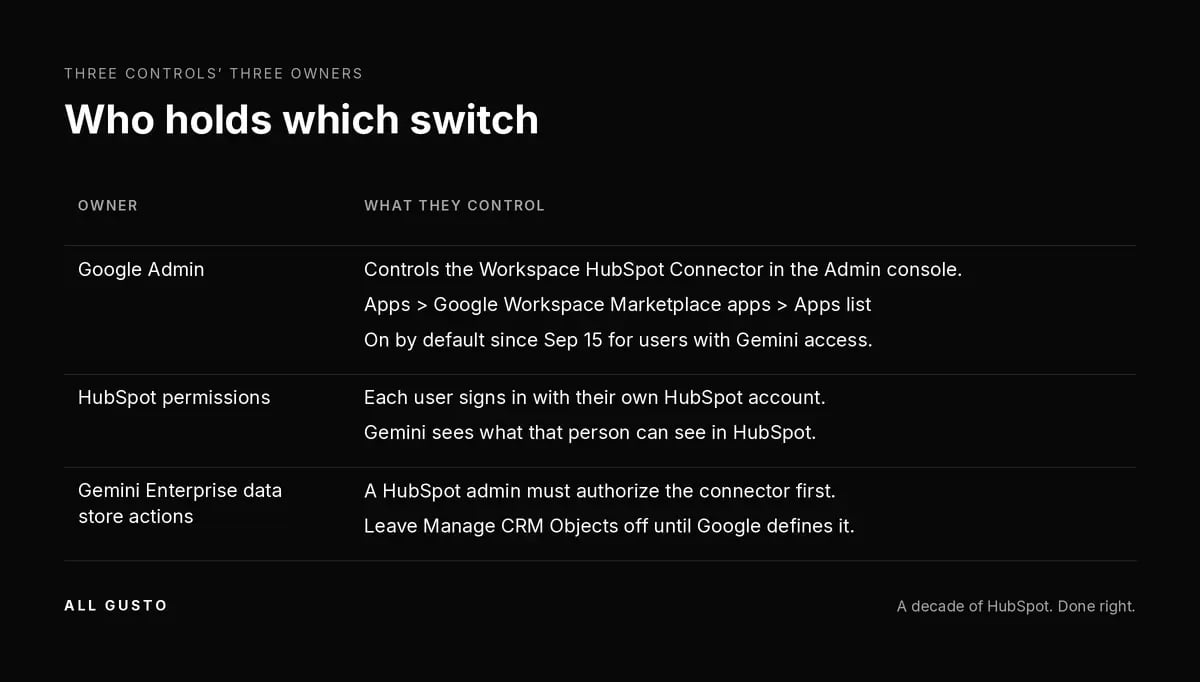
Each user signs in with their own HubSpot account, and the KB says the connector respects that user's permissions. Gemini sees what that person can see in HubSpot, no more. If your permission sets are loose, that is where the real exposure sits, not in Gemini itself.
The Switch Is in Google Admin, Not HubSpot
The control is in the Google Admin console under Apps, Google Workspace Marketplace apps, Apps list. That is the corrected path from Sep 30 (Workspace Updates). Google's Admin Help says integrations are controlled the same way as Marketplace apps, which means you can allow or block them by organizational unit or group.
HubSpot's own Gemini KB agrees that Marketplace app admins control access, "including external agencies or consultants." Read that line twice. Your Google admin may be someone in IT who has never opened HubSpot, or an outside provider who manages your Workspace.
Who is your Google admin, and who is your HubSpot Super Admin?
Those are often different people who rarely talk about the same system. The HubSpot Super Admin owns permissions and data. The Google admin owns this switch. Put them in the same room for 15 minutes and decide which teams should have HubSpot inside Gemini at all. If the HubSpot permissions are not ready for that, set up HubSpot permissions before AI connects.
Read-Only, Says Google. "Take Action," Also Says Google.
Google's two help centers do not describe the same product. Here is the conflict, dated.
| Google page | Date | What it says |
|---|---|---|
| Docs Editors Help 16796422 | opened Nov 2, 2026 | "Integrations currently only support read actions" and "You can't use an integration to make changes to third-party apps." |
| Workspace Admin Help | updated Oct 26, 2026 (UTC) | Integrations let users "access and take action on their third-party content." |
My read: the Docs Editors page is specific about what the integration does today, and the Admin page is describing integrations in general. That is a guess at intent, not a fact. What both HubSpot and Google's user help agree on is that HubSpot's Gemini connector reads. The HubSpot KB calls it read-only, which is what I said in the AI write guardrails post on Oct 19, and that still holds.
The Other Door: The Gemini Enterprise HubSpot Connector
Gemini Enterprise is a separate Google product with its own HubSpot connector, last updated Oct 28 (UTC). It is not the Workspace side panel. It uses Google-managed OAuth, and the set-up page (updated Oct 30 UTC) says: "The HubSpot administrator must authorize the connector from the Gemini Enterprise UI before you authorize your individual account." So unlike the Workspace integration, a HubSpot admin is in the loop here from the start.
The same set-up page says queries are sent straight to the HubSpot API, and that an LLM may rewrite your query using session history before it goes. That is worth knowing if you are wondering why a search returned something you did not quite ask for. The overview also lists region options (global, US, EU) and a VPC Service Controls limitation for the teams who care about those.
"Manage CRM Objects" is listed but not defined
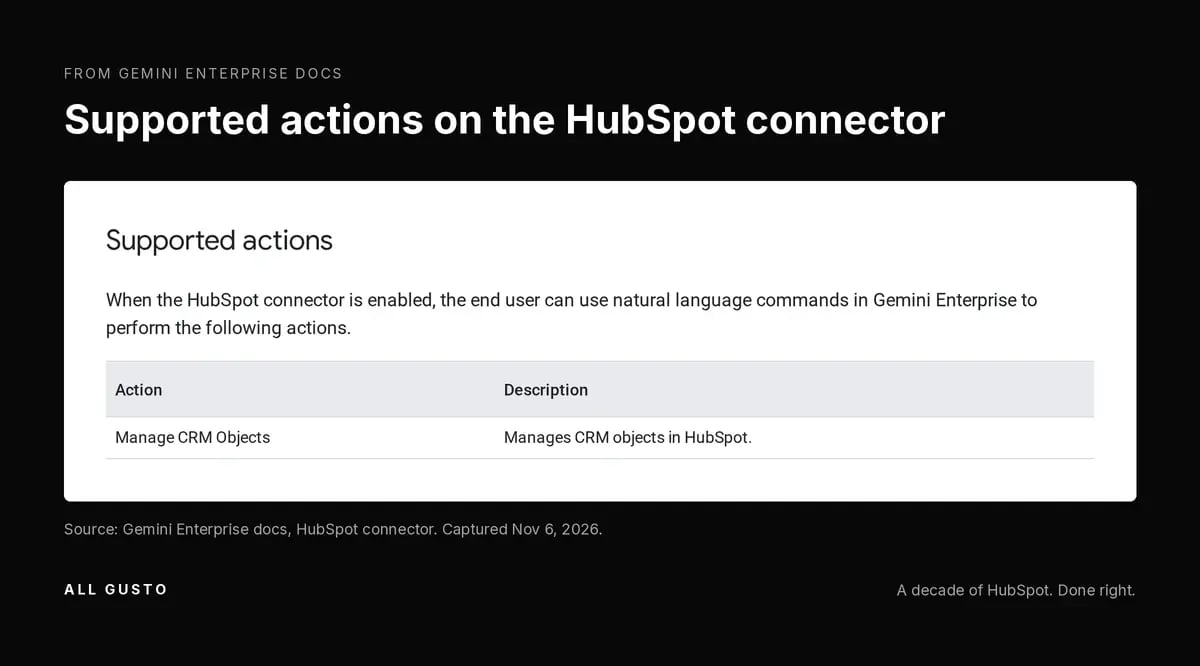
Google lists an action called Manage CRM Objects; the docs don't define it. The overview describes it as "Manages CRM objects in HubSpot," and the Gemini Enterprise Business help lists it next to the HubSpot connector. That is the whole description, as of Nov 2. The page that would explain the actions in detail returned a 404 when we checked. I am treating it as an unknown, and I suggest you do the same. Before anyone enables it on your HubSpot data store, ask Google what it does, or test it in a portal you own.
Sensitive Data: Two HubSpot Docs, Two Answers
HubSpot disagrees with itself here too. The Gemini KB (last modified Aug 21) says the connector "does not provide access to custom Sensitive Data Properties," and answers "No" to whether it has Sensitive Data access at all. The Sensitive Data KB (last modified Oct 5) says that in Enterprise portals where a Super Admin opts in, Gemini can read engagements, but not Sensitive Data properties. The newer page describes the Oct 30 beta, so I would trust it, and re-check both. I covered the beta in full in the Sensitive Data post.
A 10-Minute Admin Checklist
- Google Admin. Check which OUs and groups have Gemini and the HubSpot Connector app. If the answer is "everyone, by default," decide whether that is what you want.
- HubSpot. Check what those users can see. Gemini reads what they can read, so check what each user can see in HubSpot. My AI agents readiness post covers the permission side.
- Gemini Enterprise, if licensed. Check which HubSpot actions are enabled on the data store, and leave Manage CRM Objects off until you know what it does.
- Re-check the docs monthly. Google corrected its own post once already, and the object list, the read-only line and the Sensitive Data answer all disagree somewhere today.
Frequently Asked Questions
Is the HubSpot Gemini connector on by default?
In Google Workspace, yes. Google's Sep 15 post says the MCP integrations, HubSpot included, are on by default for users with Gemini for Google Workspace access. Each user still has to sign in to HubSpot before Gemini can read anything. The control sits with your Google admin, not your HubSpot admin. Gemini Enterprise is different: a HubSpot admin has to authorize it first.
How do I turn off HubSpot in Gemini for some users?
In the Google Admin console, go to Apps, Google Workspace Marketplace apps, Apps list. That is the path Google corrected on Sep 30 (Workspace Updates). Google's Admin Help says integrations are controlled like Marketplace apps, so you can scope it by organizational unit or group. Nothing in HubSpot settings turns off the Workspace integration.
Can Gemini edit HubSpot records?
HubSpot's Gemini connector is read-only, per the HubSpot KB and Google's Docs Editors Help. Google's Admin Help uses the phrase "take action," which conflicts with that. For Gemini Enterprise, Google lists an action called Manage CRM Objects; the docs don't define it (as of Nov 2, 2026). Treat it as unknown until Google explains it or you test it in a portal you own.
Does Gemini respect HubSpot user permissions?
Yes, per the HubSpot KB. Each user connects with their own HubSpot login, and Gemini sees what that user can see. That makes your HubSpot permission sets the real control on what data reaches Gemini. If reps can see every record today, Gemini can too.
Can Gemini see HubSpot Sensitive Data?
The docs disagree. The Gemini KB (Aug 21) says no. The newer Sensitive Data KB (Oct 5) says Gemini can read engagements, not Sensitive Data properties, in Enterprise portals where a Super Admin opts in to the beta. Highly Sensitive Data stays restricted. Re-check both before you rely on either.
Do I need Gemini Alpha to use the HubSpot connector?
HubSpot's Gemini KB says you need Workspace Business Standard or higher with Gemini Alpha turned on, and English only. Google's Sep 15 post says the integrations are on by default for Gemini users and does not mention Alpha. I cannot reconcile those from the docs alone. Check your own Admin console rather than assuming either one.
If you want help deciding who in your company should have HubSpot inside Gemini, use the contact form on allgusto.com.